
E-certificates and e-reports
METAS issues certificates and reports in electronic form as digitally signed PDF documents. On this page, you will learn how to access your documents and check their validity.
Access to e-certificates and e-reports
Once your order has been completed, you will receive the login details for the METAS portal by e-mail. There you can securely download your e-certificates and e-reports:
Once the document has been downloaded, it is deemed to have been delivered.
Archiving
Your e-certificates will remain available via the METAS portal. However, permanent archiving cannot be guaranteed. We therefore recommend that you securely archive your electronic documents yourself.
Legal validity of documents
METAS e-certificates and e-reports are issued as electronically signed PDF documents:
- Only the electronic version is legally valid and verifiable.
- The printout of an electronic document serves only as a copy and has no legal validity in its own right.
- The results documented in the certificate or report apply only to the object tested, calibrated or sampled.
Checking the electronic signature
All METAS e-certificates and e-reports are signed electronically.
You can find out how to verify the electronic signature on digital documents on the “Checking electronic signatures” page.
For more information about the signature, please refer to the specifications of GlobalSign, our digital signature provider.
FAQ
More information
Index
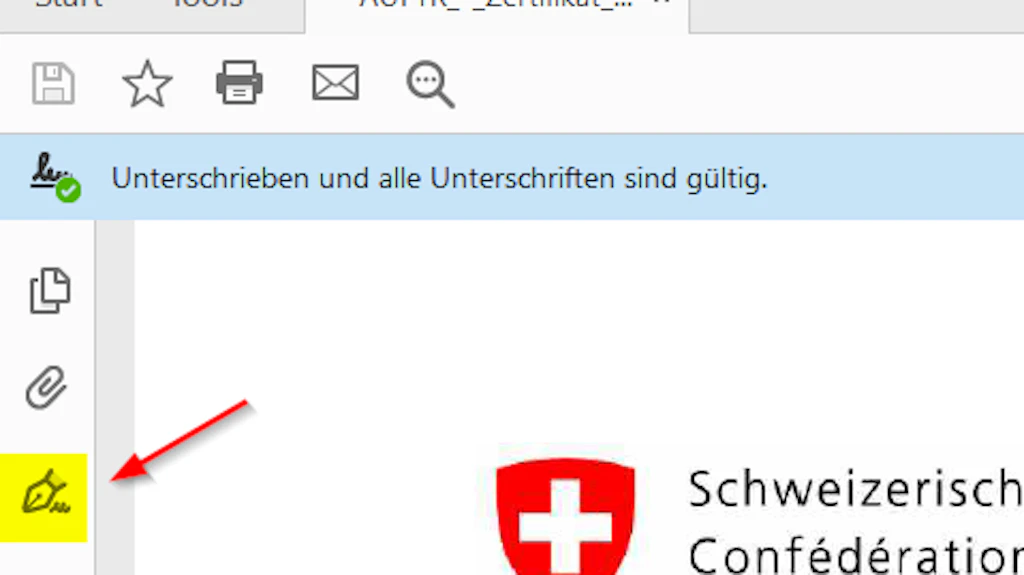
Checking electronic signatures
With the help of these instructions, you can easily check the authenticity and validity of our electronically signed documents yourself.